


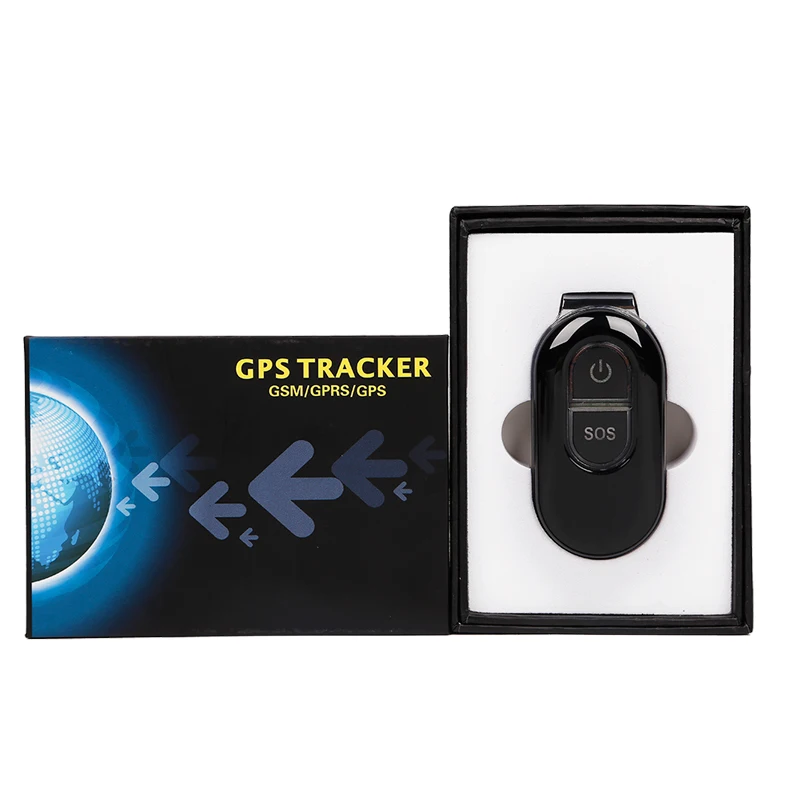
Новое поступление

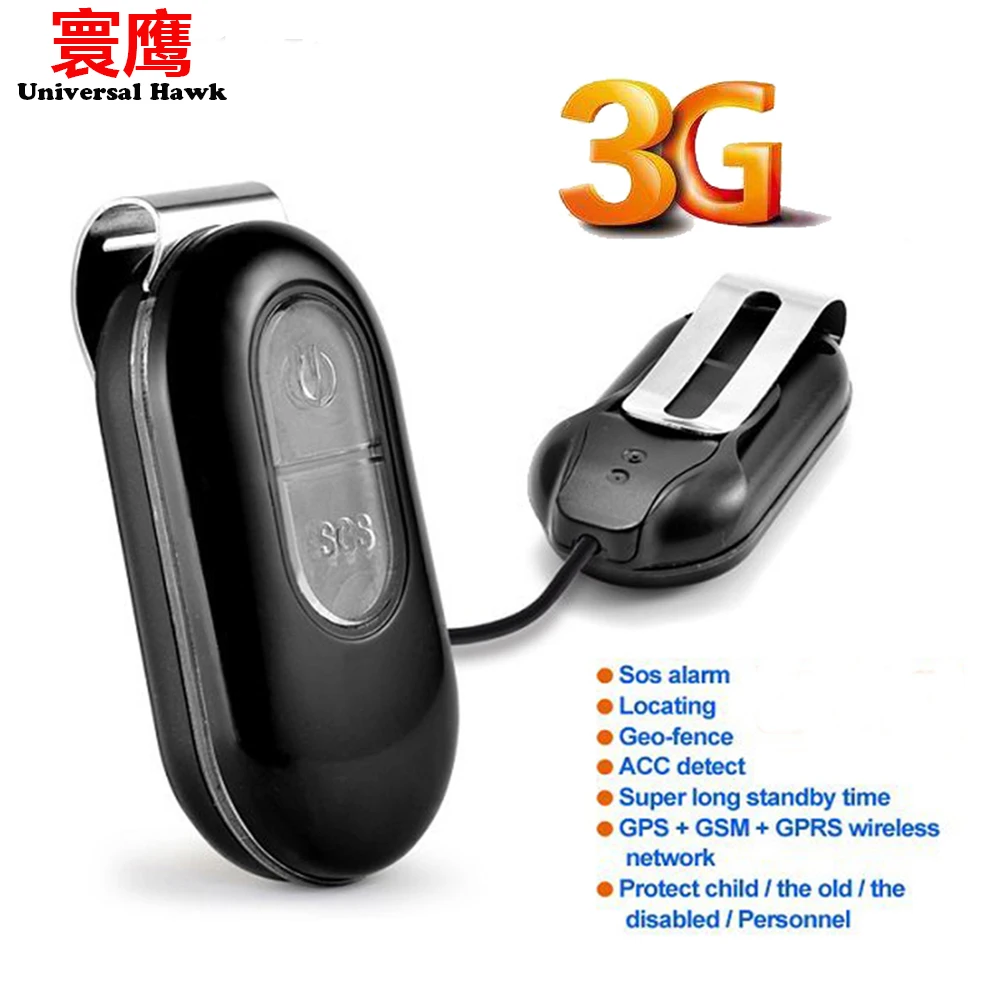
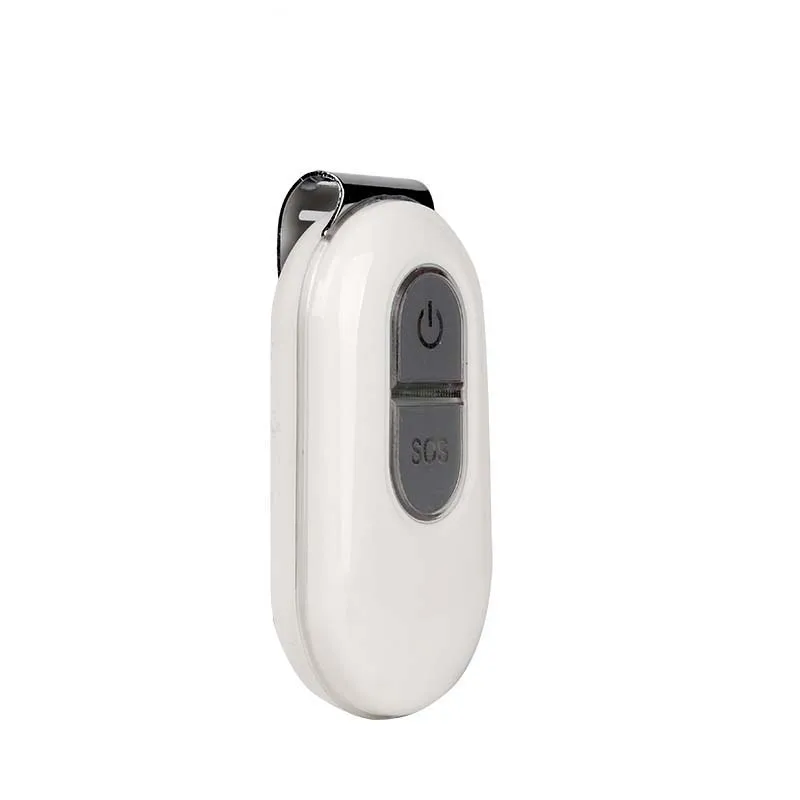
Мини GPS-трекер 3G для детей пожилых людей домашних животных мини GPS-Трекер LK106-3G с
3 811,37 - 3 886,11 руб.

TK20 Waterproof Super Magnetic built-in gps tracker locator for car truck vehicle GPS+GSM+WIFI with 20000mAh REMOVABLE battery | Автомобили
5 918,84 руб.
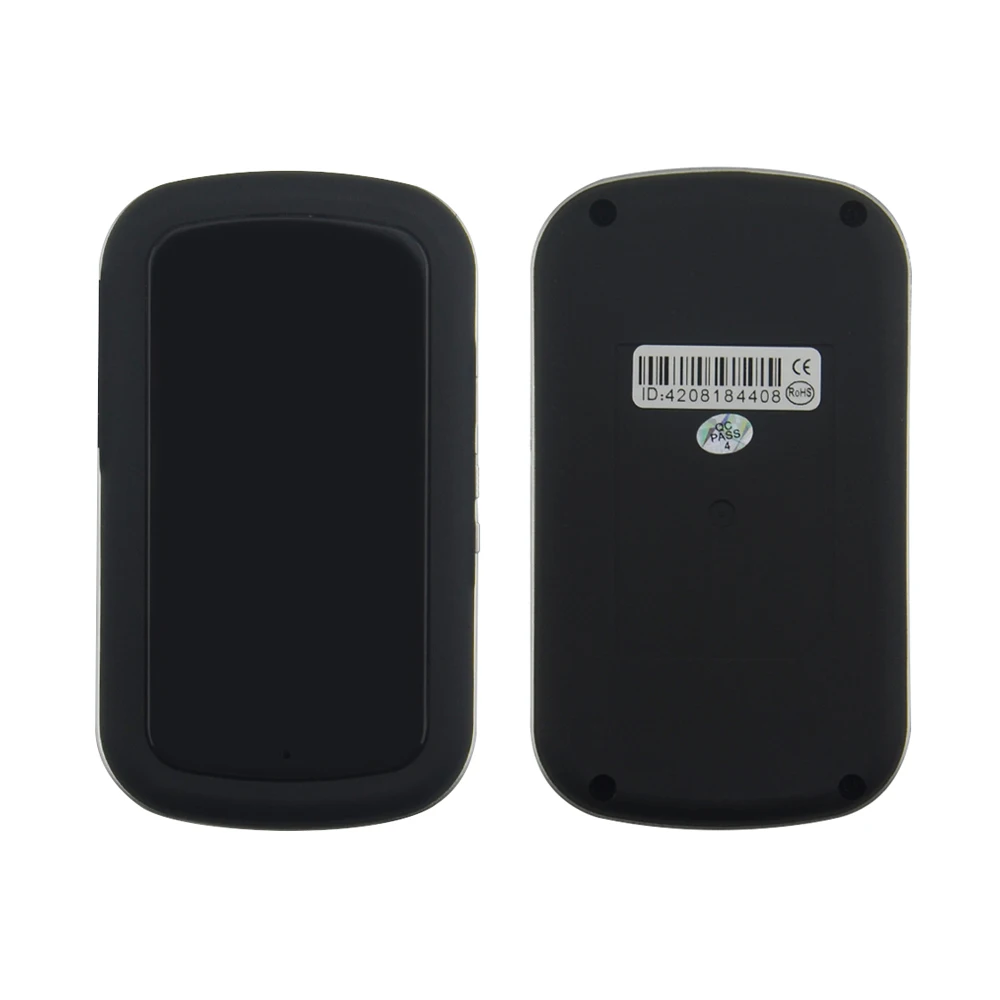
Мини gps-трекер gps gprs gsm Беспроводная Автомобильная сигнализация поддержка
2 052,91 - 2 105,22 руб.

10 шт. трекер слежения для домашних животных кошек и собак TK208 gps ошейник микро
21 298,10 руб. / набор

A8 GSM GPRS GPS LBS Глобальный локатор в режиме реального мини времени автомобиль малыш

Smart Motorcycle GPS Tracker TK121-S Real-time Tracking Device Geo-fence & Speed Alarm Wide Working Voltage 9-72V DC Free APP |

Мини-GPS-трекер A18 прибор для отслеживания личных детей домашних животных собак
2 249,48 - 2 252,48 руб.
Характеристики
3G Personal GPS Tracker Kids Elderly WIFI GSM GPRS Positioning with Big SOS Button Real Time Tracking Standby 240hour | Автомобили и
История изменения цены
*Текущая стоимость уже могла изменится. Что бы узнать актуальную цену и проверить наличие товара, нажмите "Добавить в корзину"
| Месяц | Минимальная цена | Макс. стоимость | Цена |
|---|---|---|---|
| Mar-19-2026 | 0.57 руб. | 0.18 руб. | 0 руб. |
| Feb-19-2026 | 0.17 руб. | 0.10 руб. | 0 руб. |
| Jan-19-2026 | 0.63 руб. | 0.31 руб. | 0 руб. |
| Dec-19-2025 | 0.6 руб. | 0.19 руб. | 0 руб. |
| Nov-19-2025 | 0.40 руб. | 0.56 руб. | 0 руб. |
| Oct-19-2025 | 0.62 руб. | 0.8 руб. | 0 руб. |
| Sep-19-2025 | 0.2 руб. | 0.70 руб. | 0 руб. |
| Aug-19-2025 | 0.9 руб. | 0.37 руб. | 0 руб. |
| Jul-19-2025 | 0.47 руб. | 0.8 руб. | 0 руб. |
Описание товара

Specs.
|
Content |
Specs. |
|
Dim. |
77mm x 37mm x 23mm |
|
Weight |
55g |
|
Network |
CDMA/GSM/GPRS |
|
Band |
850/900/1800/1900Mhz |
|
GPS chip |
UBLOX |
|
GPS sensitivity |
-159dBm |
|
GPS accuracy |
5m |
|
Time To First Fix |
Cold status 35-80s Warm status 35s Hot status 1s |
|
Wall charger |
110-220V input 5V output |
|
Battery |
Chargeable 3.7V 1000mAh Li-ion battery |
|
Standby |
240hours |
|
Storage Temp. |
-40°C to +85°C |
|
Operation Temp. |
-20°C to +55°C |
|
Humidity |
5%--95% non-condensing |
Functions:
1. GPS and Location Based Service
Location Based service also named A-GPS, when tracker in underground or tunnel ,can get location by AGPS.
2. Real time tracking
Real time tracking it by cell phone and platform . Also can support get location every 5 seconds, and the GPS accuracy is 5m .
3. Check the history of route on platform
Can check and replay within one year history of route of device ,by web monitor center.
4.Monitoring and communication
Can hear the voice around the tracker by cell phone . Also support communication with the tracker by cell phone (OEM).
5.SOS Alarm
SOS button ,when user have emergency , press the SOS button ,the tracker will send “help me “ SMS to all authorized phone number and monitoring web platform.
6. Power Saving Mode
The device go into standby mode when there isn’t vibration for 3 minutes , it will go into working mode when it feel vibration
7.Google map on mobile
Check the location with Google map on mobile.
8. Geo-fence and movement alert
Set up a Geo-fence for the unit to restrict its movements within a district ,unit will send a message to the authorized number when it breaches the district..
9.Low Battery Alarm
Usage
l Please charge 12hours at first use.
l Insert SIM card in right way. Please put the unit outside and make sure the trademark side facing up.
l Confirm your SIM card have calling, send SMS, GPRS function.
l Confirm your SIM card have enough balance (money).
l Confirm your SIM card can show caller ID and don not use call forwarding function.
LED Indicator Definition
Green Indicator:GPRS
|
Status of indicator |
Meaning |
|
Flash |
GSM/GPRS conversation start |
|
Continuously in bright status |
No GPRS signal |
|
Green Led off |
Power off or in sleep mode |
Blue Indicator:GPS
|
Status of indicator |
Meaning |
|
Flash |
GPS location successful |
|
Continuously in bright status |
GPS signal searching |
|
Blue led off |
Power off or in sleep mode |
Red Indicator:Power charge
|
Status of indicator |
Meaning |
|
Continuously in bright status |
charging |
|
Red led off |
Power off or charged full |
More Commands
|
Function |
Command Format |
Reply |
Delete |
for example |
|
APN |
apn+123456+space+content |
apn ok |
|
apn123456 cmnet |
|
apnuser+123456+space+content |
apnuser ok |
|
|
|
|
apnpasswd+123456+space+content |
apnpasswd ok |
|
|
|
|
admin number |
admin123456+space+admin phone number |
admin ok |
noadmin123456 |
admin123456 186******** |
|
time zone |
timezone+123456+space+GMT No. |
timezone ok |
|
timezone123456 +1 |
|
Power save(default) |
sleep123456 time |
sleep time ok |
|
|
|
shock sleep |
sleep123456 shock |
sleep shock ok |
|
|
|
no sleep |
sleep123456 off |
sleep off ok |
|
|
|
upload frequency |
upload123456+space+time |
upload ok |
|
upload123456 10 |
|
Cut and resume oil |
555 |
Cut oil OK |
666 |
|
|
Arm&Disarm |
111 or SF |
Arm delay in 0s |
000 or CF |
|
|
Position |
G123456# or where |
Google map |
|
|
|
Restart |
rst |
restart ok |
|
|
|
Back to factory |
format |
No reply |
|
|
Faults & The solutions Q:Start up Fail? A:Check the cable connect right or not. Q:The device can not obtain location information? A:Place the unit at the open area to test. Q:How to choose SIM card? A: the SIM card must support GSM&GPRS,and ensure that the card has enough currency and credit. Q: How to use in the foreign countries? A:please set the APN before use,please edit the text “APN123456 CMNET “ and send it to the SIM card of the device,CMNET is Chinese operator’s APN, Replace the corresponding APN when use in other countries, APN details, please consult your local SIM card carrier. Cautions Please comply with the instructions to extend the unit life: 1. Keep the unit dry. Any liquid, i.e. rain, moisture, may destroy or damage the inside circuitry. 2. Don’t use & store the unit in dusty places. 3. Don’t put the unit in overheated or over cooled places. 4. Handle carefully. Don’t vibrate or shake it violently. 5. Clear the unit with a piece of dry cloth. Don’t clean in chemicals, detergent. 6. Don’t paint the unit, this may cause some foreign materials left in between the parts. 7. Don’t disassemble or refit the unit. 8. Please use the battery and charger provided by manufacturer. Using other batteries and chargers will cause unwanted situation 3G Personal GPS Tracker for Kids/Elderly WIFI/GPS/AGPS Positioning with Big SOS Button Real Time Tracking


 Related Products
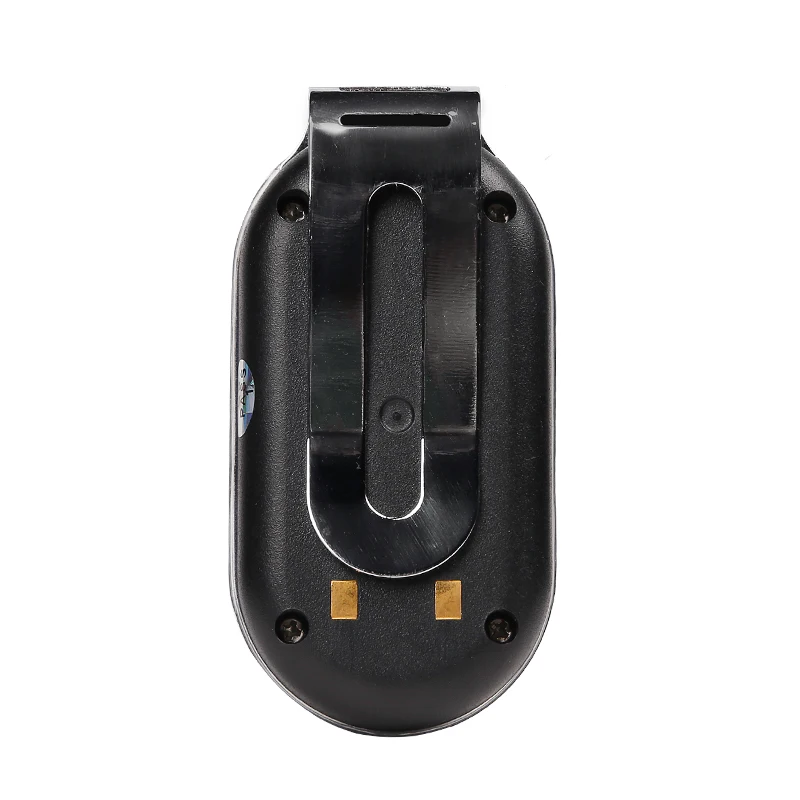
a, Open the top, Insert a mini SIM card support GSM/GPRS network into the
slot and make sure the chip side is down.
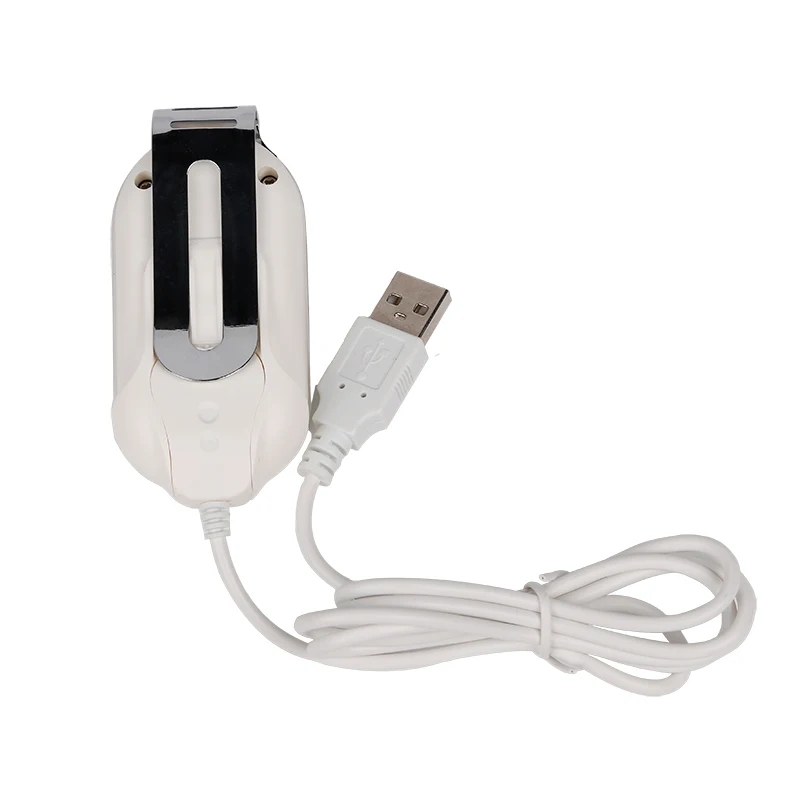
b, Connect power cable and turn on the power button to on.
c, Set admin number,by sending a SMS command to the SIM card inside
device.
For example: admin123456 +86186******** (+86186********should be your
phone number)
d, Set APN: APN123456 CMNET (please use your local APN instead of
CMNET,if you do not know the APN content,you should contact your SIM card
supplier)
More Commands
Related Products
a, Open the top, Insert a mini SIM card support GSM/GPRS network into the
slot and make sure the chip side is down.
b, Connect power cable and turn on the power button to on.
c, Set admin number,by sending a SMS command to the SIM card inside
device.
For example: admin123456 +86186******** (+86186********should be your
phone number)
d, Set APN: APN123456 CMNET (please use your local APN instead of
CMNET,if you do not know the APN content,you should contact your SIM card
supplier)
More Commands


Download phone APP


Log in by Website:
Open the website www.lkgps.net, choose IMEI, enter the 10-digit bar code of the device, the default password is 123456, click “GO” to log in into the platform. Log in by Phone APP: Please see the following photo:

Смотрите так же другие товары: