
Съедобные пищевые чернильные картриджи OYfame чернильный картридж для принтера
3 556,55 руб.


Новое поступление

Магазина Shop3138020 Store работает с 21.08.2017. его рейтинг составлет 92.41 баллов из 100. В избранное добавили 1404 покупателя. Средний рейтинг торваров продавца 4.7 в продаже представленно 1375 наименований товаров, успешно доставлено 3810 заказов. 461 покупателей оставили отзывы о продавце.
Характеристики
*Текущая стоимость US $13.02 / lot уже могла изменится. Что бы узнать актуальную цену и проверить наличие товара, нажмите "Добавить в корзину"
| Месяц | Минимальная цена | Макс. стоимость | Цена |
|---|---|---|---|
| Mar-04-2026 | 17.97 руб. | 17.12 руб. | 17 руб. |
| Feb-04-2026 | 13.16 руб. | 13.80 руб. | 13 руб. |
| Jan-04-2026 | 16.88 руб. | 16.24 руб. | 16 руб. |
| Dec-04-2025 | 16.50 руб. | 16.34 руб. | 16 руб. |
| Nov-04-2025 | 13.44 руб. | 13.81 руб. | 13 руб. |
| Oct-04-2025 | 16.39 руб. | 16.71 руб. | 16 руб. |
| Sep-04-2025 | 16.5 руб. | 16.0 руб. | 16 руб. |
| Aug-04-2025 | 16.82 руб. | 16.38 руб. | 16 руб. |
Описание товара
Compatible ink cartridge
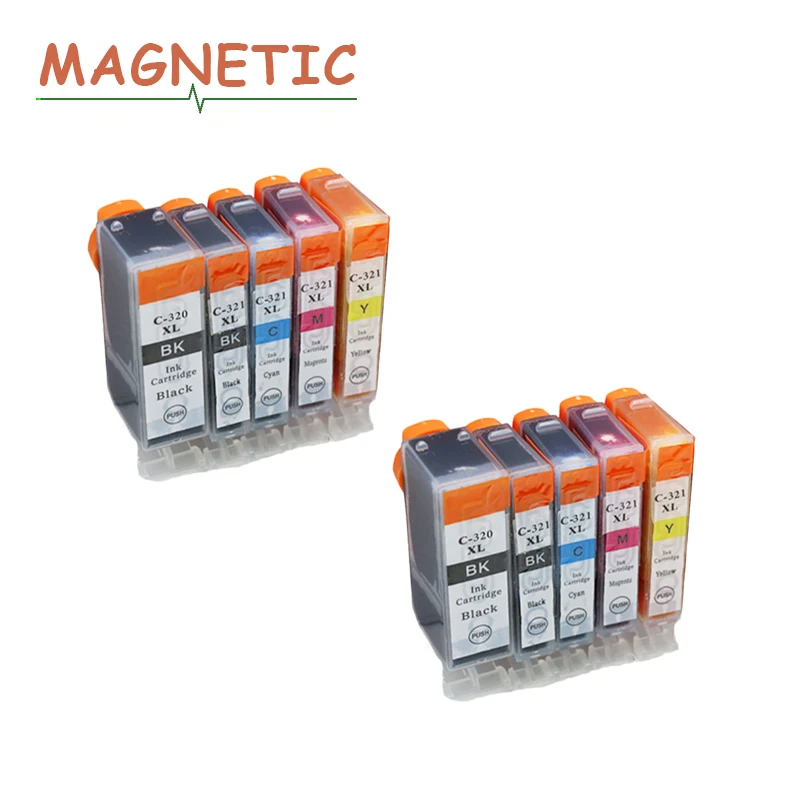
10PK Ink Cartridges BCI-320 BCI320 320 for CANON PIXUS (Japan)
MP540 MP620 ip3600 ip4600 MP630 MP980 MX860 MX870 BCI320
 Product Information
Model BCI 320PGBK BCI 321BK BCI 321C BCI 321M BCI 321Y
Color Black Black Cyan Magenta Yellow
Ink Volume 20 11 11 11 11
(ML)
Use For
For CANON® PIXUS (Japan) iP3600/iP4600
For CANON® PIXUS (Japan) MP540/MP620/MP630/MP980/MX860/MX870
Ink cartridge packing
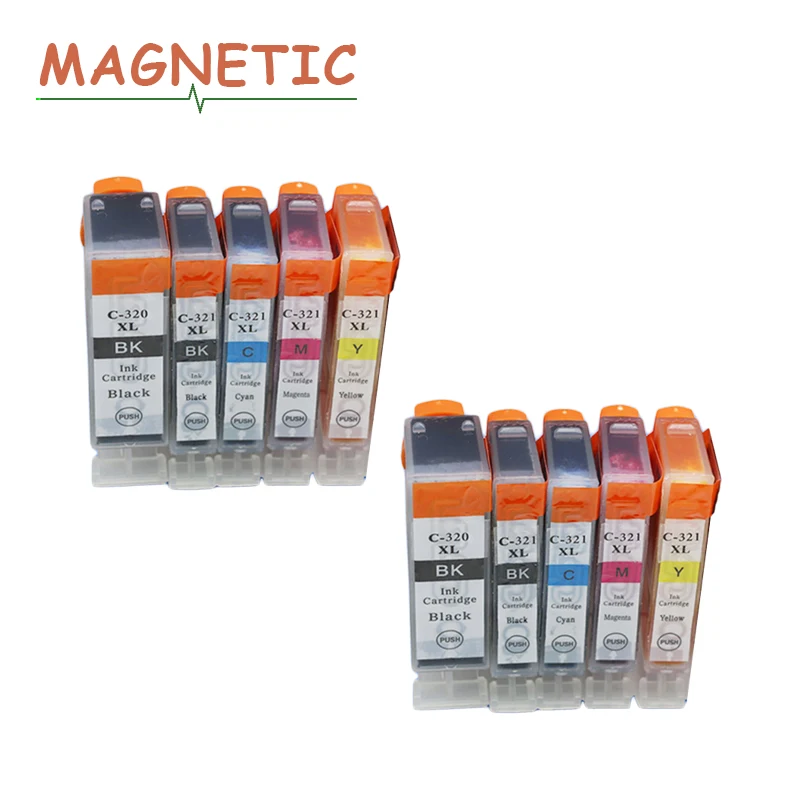
10Pcs A Lot: 4BK+2C+2M+2Y
20ml*1 Black compatible ink cartridge
11ml*1 Black compatible ink cartridge
11ml*1 Cyan compatible ink cartridge
11ml*1 Mag compatible ink cartridge
11ml*1 Yellow compatible ink cartridge
Product pictures

Certification


Own factory

User

How to install

1. Take out the old ink box.
(1) Make sure the printer is started.
(Note: If you turn off the printer power when you change the cartridge in the opening of the cartridge door,
the cartridge cannot be removed from the printer. If the cartridge carrier does not stop safely when you
try to remove the cartridge, it is possible to damage the printer.)
(2) Open the cartridge door.
Wait for the ink carrier to move to the middle of the printer and stop completely.
Then press the ink cartridge down and take it out. Pull out the cartridge out of the slot.
If you remove the black ink cartridge are in order to install the photo cartridge,
please take the black cartridge in the cartridge protector or sealed plastic container.
2. Install the new ink cartridges.
(1) When confirmed the printer power is on, open the front cover. Move the ink box holder to the replacement position.
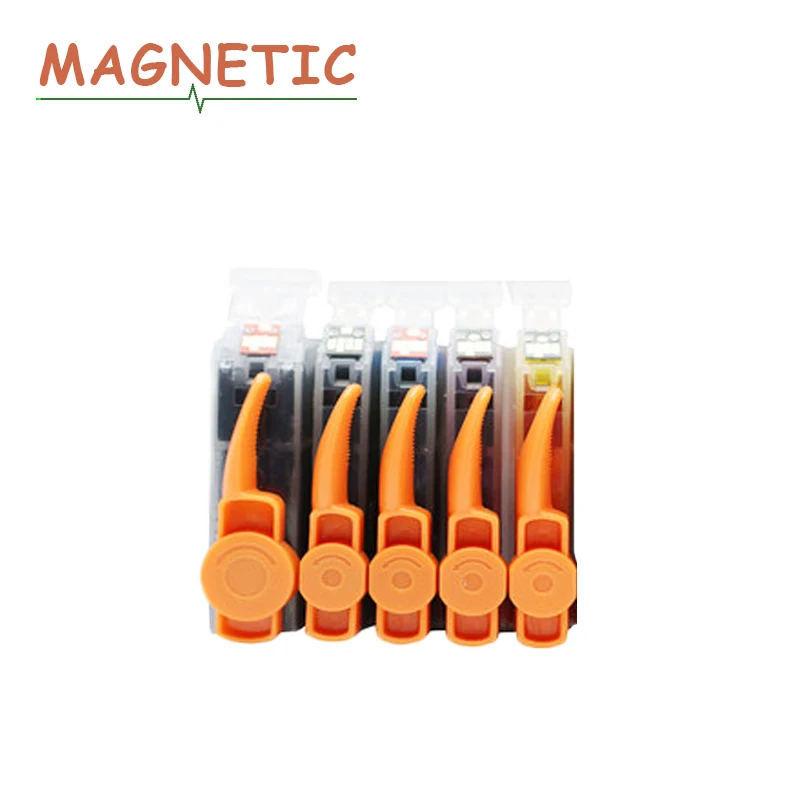
(2) Take the new ink cartridge out from the package and gently remove the orange protective tape in the direction of the arrow.
(Note: Please do not press the sides of the ink box vigorously so as to avoid ink leakage. Do not touch the ink port of the ink box
so as to avoid polluting the port, resulting in poor ink output.)
(3) Make sure the ink cartridge is properly installed.
(4) Close the front cover. Please wait until the ready operation is complete. It takes about 1 to 2 minutes.
Tips:
1. Keep the ink cartridges out of reach to children and do not drink or eat.
2. Don’t store the cartridges in freezing temperature or direct sunlight.
3. For best results, please use up all ink within 6 months after installation.
4. Make sure that your printer work once a week at least to keep printer-head clear.
NOTE:
1. Please buy the same ink cartridge model for your printer!!!
2. If you do not confirm the ink cartridge is compatible with your printer,
please kindly tell me your original model of your printer and your model of your printer.
Shopping guideline
Payment:
Currently, you can pay using Boleto, Visa, MasterCard, QIWI, Western Union, Maestro debit card, WebMoney
and bank transfer.More payment options will be available on AliExpress in the future.

Returns:
1. We do our best to serve our customers the best that we can.
2. We will refund you if you return the items within 7days of your receipt of the items for any reason.
However, the buyer should make sure that the items returned are in their original conditions.
Color Mismatch:
100% actual photos.Differences in color may be caused by some other reasons,Please in kind prevail.

Feedback: 
1. Your satisfaction and positive feedback is very important to us.Please leave feedback and 5 stars if you are satisfied with our items and services.
2. If you have any problems with our items or services,please feel to contact us first before negative feedback.We will do our best to solve any problems
and provide you with the best customer services.
Shipment
1. We ship to worldwide, per order have a tracking number.
2. Item will be shipped within 2 business days after we received a verified payment.
3. If you have not received your items within 30 days after payment for postage delivery (like China Post), please let us know.
we will further track the parcel and reply you. Our goal is customer satisfaction!
4. We support most shipping ways: China Post Registered Air Mail, POS Malaysia,
ePacket.
|
|
Attention
1 Please do not compare the compatible ink cartridge with OEM ink cartridge.
2 Re-manufactured ink cartridge show "low ink" is not quality problems, it is normally.
Because the chip are still keep the status when the OEM ink cartridge used up.
3 When you buy compatible ink cartridge, please noted your printer updated or not?
If yes, please contact us before your purchase.
4 We will deliver the parcel in the first time.
5 We guaranteed your satisfaction was always in our first priority.
6 Hope you can contact us in the first time if you have any questions.
Смотрите так же другие товары:


