
Аудио музыкальный приемник 3 5 мм стерео адаптер USB провод AUX беспроводной ключ
46,48 руб.

Новое поступление

Магазина GoAutoParts-eagle работает с 16.09.2015. его рейтинг составлет 73.95 баллов из 100. В избранное добавили 340 покупателя. Средний рейтинг торваров продавца 4 в продаже представленно 1717 наименований товаров, успешно доставлено 1702 заказов. 119 покупателей оставили отзывы о продавце.
Характеристики
*Текущая стоимость уже могла изменится. Что бы узнать актуальную цену и проверить наличие товара, нажмите "Добавить в корзину"
| Месяц | Минимальная цена | Макс. стоимость | Цена |
|---|---|---|---|
| Mar-18-2026 | 0.9 руб. | 0.60 руб. | 0 руб. |
| Feb-18-2026 | 0.52 руб. | 0.99 руб. | 0 руб. |
| Jan-18-2026 | 0.75 руб. | 0.77 руб. | 0 руб. |
| Dec-18-2025 | 0.24 руб. | 0.43 руб. | 0 руб. |
| Nov-18-2025 | 0.27 руб. | 0.63 руб. | 0 руб. |
| Oct-18-2025 | 0.41 руб. | 0.14 руб. | 0 руб. |
| Sep-18-2025 | 0.83 руб. | 0.45 руб. | 0 руб. |
| Aug-18-2025 | 0.66 руб. | 0.3 руб. | 0 руб. |
| Jul-18-2025 | 0.83 руб. | 0.91 руб. | 0 руб. |
Описание товара


Link
l After each boot,Hands-free device to automatically connect the last connected device through Disconnect the Bluetooth hands-free device connected to a short press MFB key state,Hands-free device to automatically connect the last connected device through)Bluetooth via cell phone to connect to the Bluetooth hands-free equipment search,refer to your phone manual concrete operation)
Voice dialing
Standby mode, short press MFB to start the mobile phone voice dialing
Redial
Standby mode, double click MFB initiated redial button.
Answer the call
Short press MFB Key Answer.
Reject a call
Double click MFB button reject a call
To end the call
Call short press the MFB button state to end the call
Adjust the volume
Short press V + button to increase the volume, press V-lower volume)
Send phone book
Using Bluetooth phone to send function to send phone book to the hands-free devices, Bluetooth cell phones to send operation of each may vary, please refer to Instruction Manual.)
Query call records
l In the standby mode, briefly press the V-key to enter the query call recording mode, press the V + and V-key to scroll up and down, short press MFB button to allocate the numbers are currently viewing.
l Hold down the V-key until you hear a beep tone out inquiries call recording mode
l Call recording mode, the query does not read the call records, 10 seconds will automatically exit the mode
Enquiries Telephone Directory
l In standby mode, press V + button to enter a short query phone book mode, press the V + and V-key to scroll up and down, short press MFB button to allocate the numbers are currently viewing.
l Hold down the V + button until you hear a beep sound check out the phone book mode
l In the query mode, do not read the phone book phone book, 10 seconds will automatically exit the mode
Menu functions
Press and V + or V-key to enter the menu, press V + or V-read menu, short press MFB key implementation of the currently selected menu item features:
1) Call Record
l short press V + or V-key to scroll up and down the call recording, short press MFB button to allocate the numbers are currently browsing, press and V + or V-key to exit browse mode of call records. In the former mode of access, call records to ensure mobile phones and Bluetooth hands-free is connected
l If no call recording, Bluetooth hands-free display "No Record"
l hands-free device can store up to 20 call records, including incoming and outgoing call
Shortcut keys can check call records, please refer【check call records】
2) Contact
l short press V + or V-button down phonebook, short press MFB button to allocate the numbers are currently browsing, press V + or V-key to exit browse mode phone book. Browse mode before entering the telephone directory to ensure mobile phones and Bluetooth hands-free is connected
l If there is no address book, the Bluetooth hands-free display "No Pb".
l Hands-free device can store up 600 contacts shortcut keys can check phone book, see the【phone book check】
3) Disconnect all connected devices with Bluetooth hands-free.
4) Load Pb
Before the implementation of the operation to ensure mobile phones and Bluetooth hands-free is connected.)
l Bluetooth handsfree to perform the operation automatically downloads your phone's address book. Bluetooth hands-free in the download process displays the name or number. After the download is complete Bluetooth handsfree display "Load Over".
Long press V + or V-cancel ongoing downloads operation, Bluetooth hands-free displays the "Load Cancel".Certain brands of mobile phone does not support automatic download of phone book, then the Bluetooth hands-free displays "Pls Send Pb". Send phone book operation please refer to【send phone book】
5) Voice Report
Select the language to telegraph No.:)
l English voice reporting: Bluetooth hands-free release of the English voice "ONE, TWO, THREE", also shows "English". Bluetooth hands-free incoming call will be Chinese or English voice out a phone number.)
l Chinese voice reporting: Bluetooth hands-free release of Chinese voice "1, 2, 3", also shows that "Chinese". Bluetooth hands-free incoming call will be reported out of a phone number in Chinese voice.)
l Do not report No.: Bluetooth Hands-free release beep tone, also shows "No Report".Bluetooth hands-free calls are not reported when the call number.)
6) Del Pb
Delete all contacts
7) Del Record
Delete all call records
8) Reverse LCD
Bluetooth hands-free display of fonts displayed upside down
9) Back
Exit menu, return to the main interface. Can also press and V + or V-key to exit the menu.
LEDInstruction
l In the disconnected state, the short flashing blue lights
l In the connection state, long flashing blue light)
l Always a red light when charging, fully charged the red light goes out.
http://detail.1688.com/offer/1068274738.html
>10台 100RMB/PC
Features:
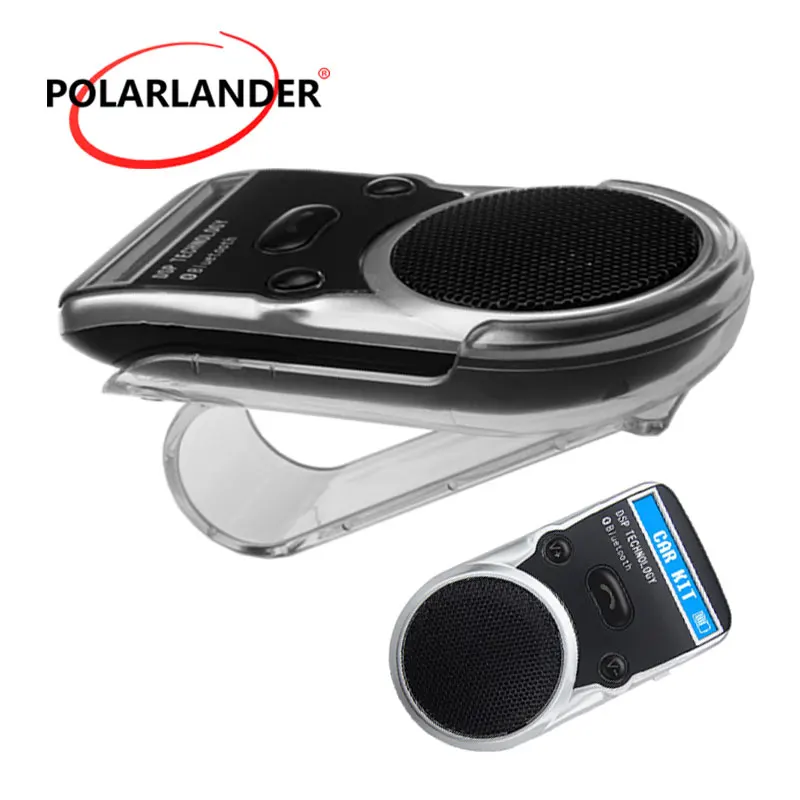
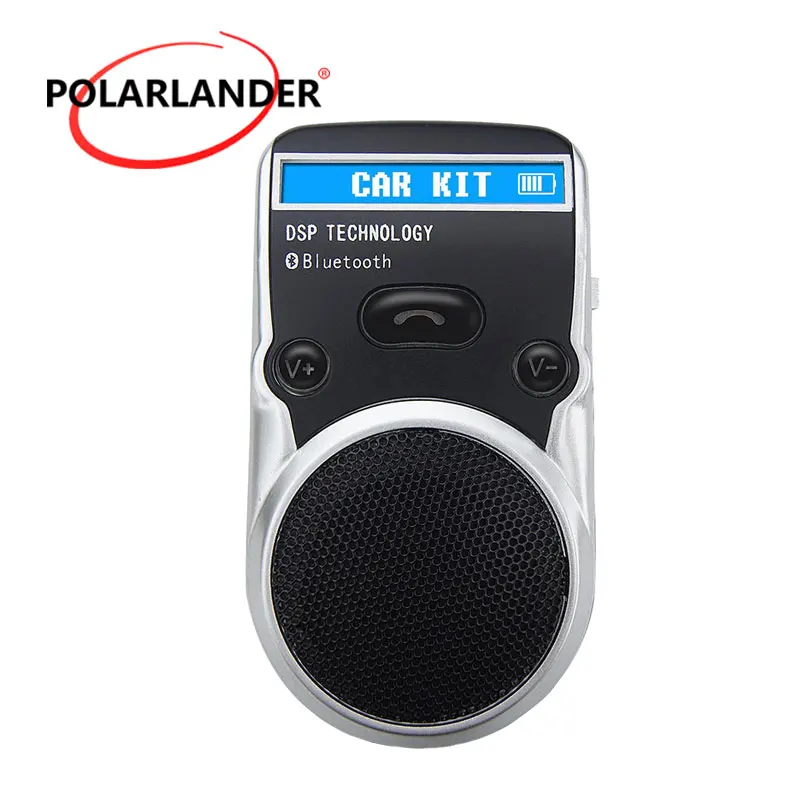
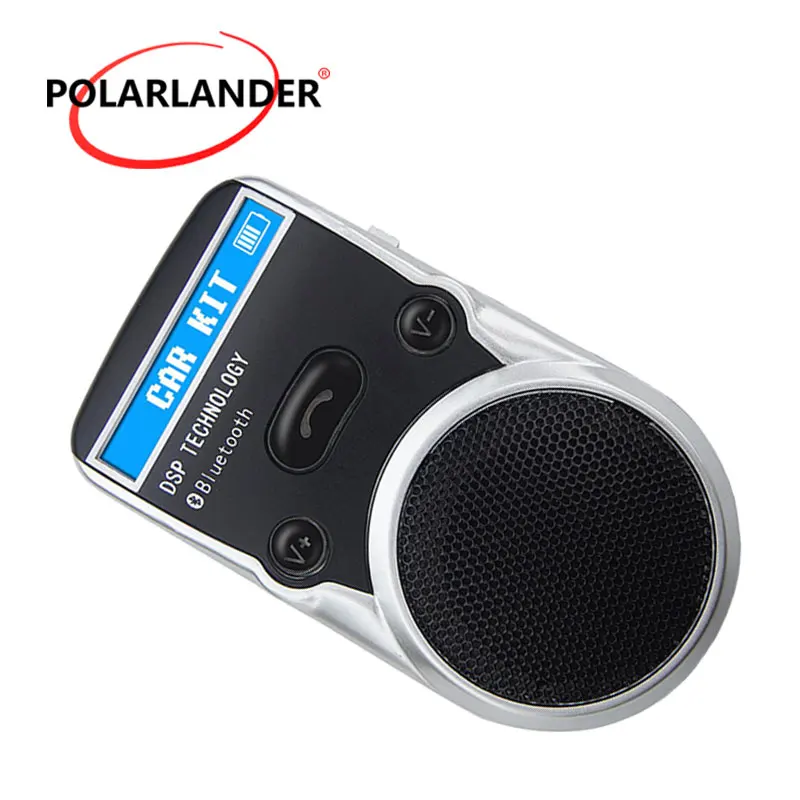
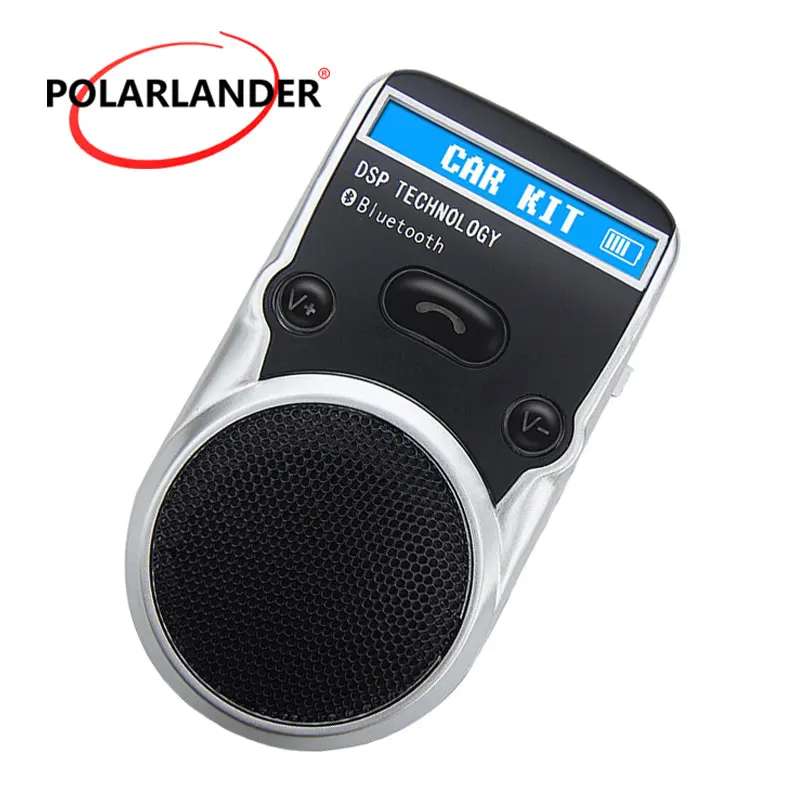
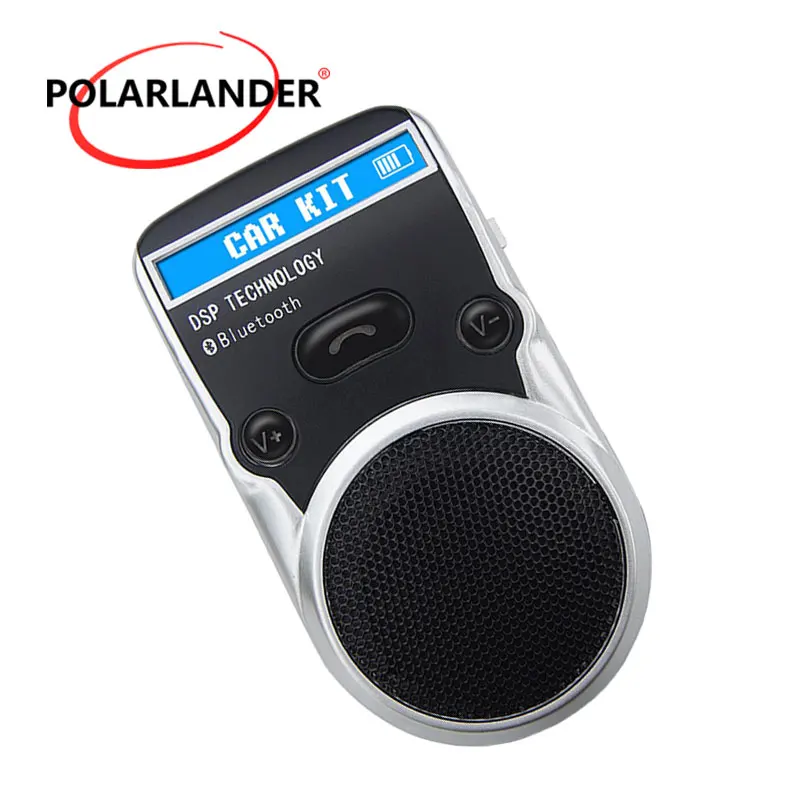
LCD display, caller ID, digital and English subtitles;
Voice can be opened to enroll in Chinese or English
One button operation to achieve answer, redial, reject, hang up, and support for voice dialing;
Phone book function, support 600 address book import;
Store the final answer of 10 phone numbers;
Built-in DSP noise reduction and echo cancellation
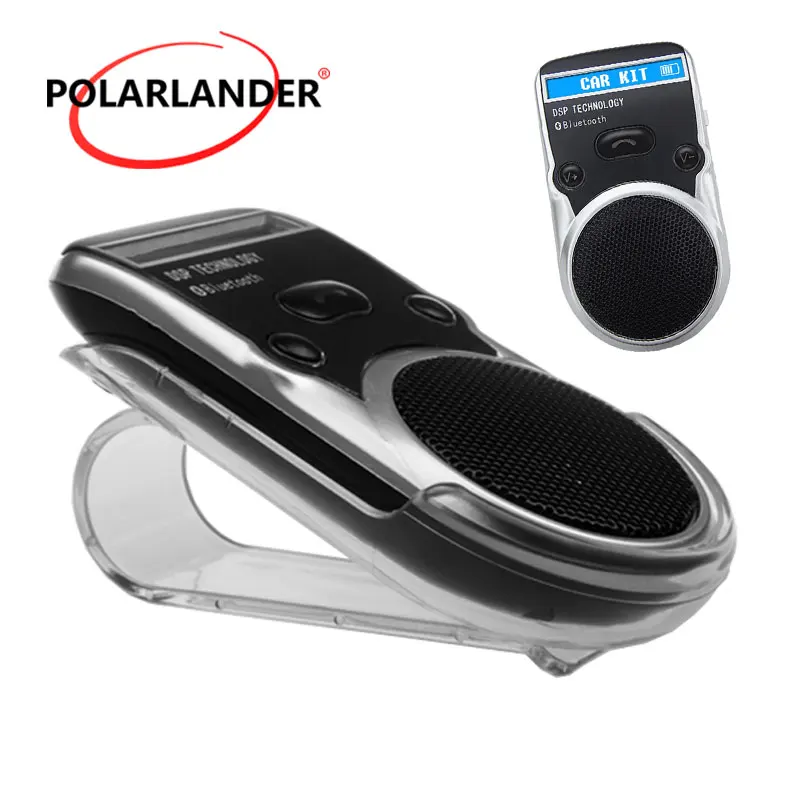
Solar charger, cigarette lighter, USB charging a variety of ways
High quality Li-ion battery, standby time 300 hours.
Size: 100mm (length) x 55mm (width) x 18mm (thick)



Смотрите так же другие товары:


