
Амбушюры Сменные поролоновые амбушюры для Steelseries Siberia K5 наушников Чехол |
555,62 руб. / набор

Новое поступление
Характеристики
*Текущая стоимость уже могла изменится. Что бы узнать актуальную цену и проверить наличие товара, нажмите "Добавить в корзину"
| Месяц | Минимальная цена | Макс. стоимость | Цена |
|---|---|---|---|
| Apr-02-2026 | 0.8 руб. | 0.1 руб. | 0 руб. |
| Mar-02-2026 | 0.11 руб. | 0.11 руб. | 0 руб. |
| Feb-02-2026 | 0.28 руб. | 0.96 руб. | 0 руб. |
| Jan-02-2026 | 0.40 руб. | 0.63 руб. | 0 руб. |
| Dec-02-2025 | 0.32 руб. | 0.81 руб. | 0 руб. |
| Nov-02-2025 | 0.69 руб. | 0.58 руб. | 0 руб. |
| Oct-02-2025 | 0.57 руб. | 0.13 руб. | 0 руб. |
| Sep-02-2025 | 0.40 руб. | 0.91 руб. | 0 руб. |
| Aug-02-2025 | 0.59 руб. | 0.1 руб. | 0 руб. |
Описание товара
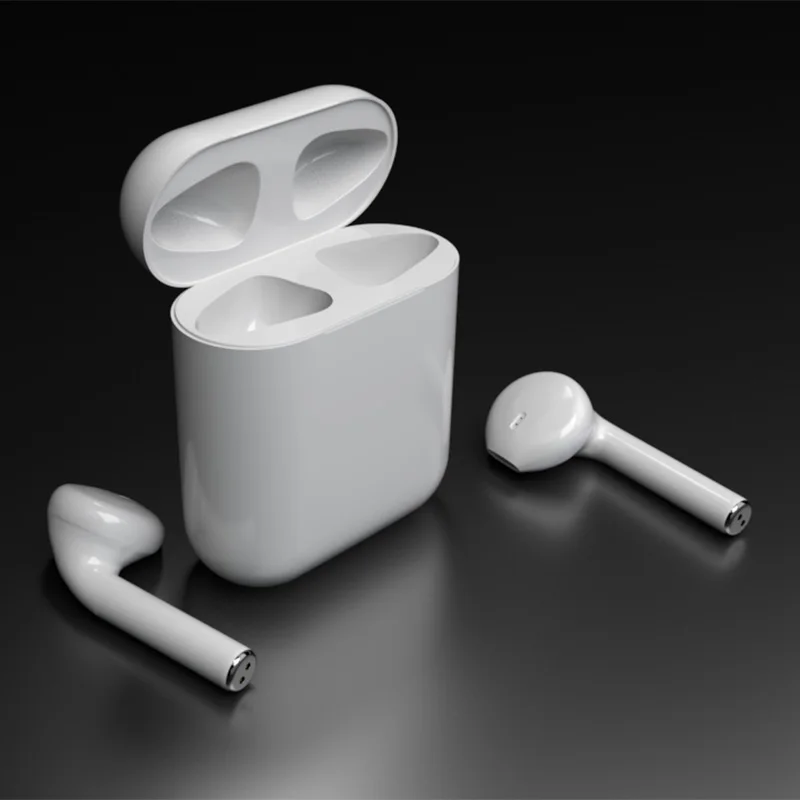
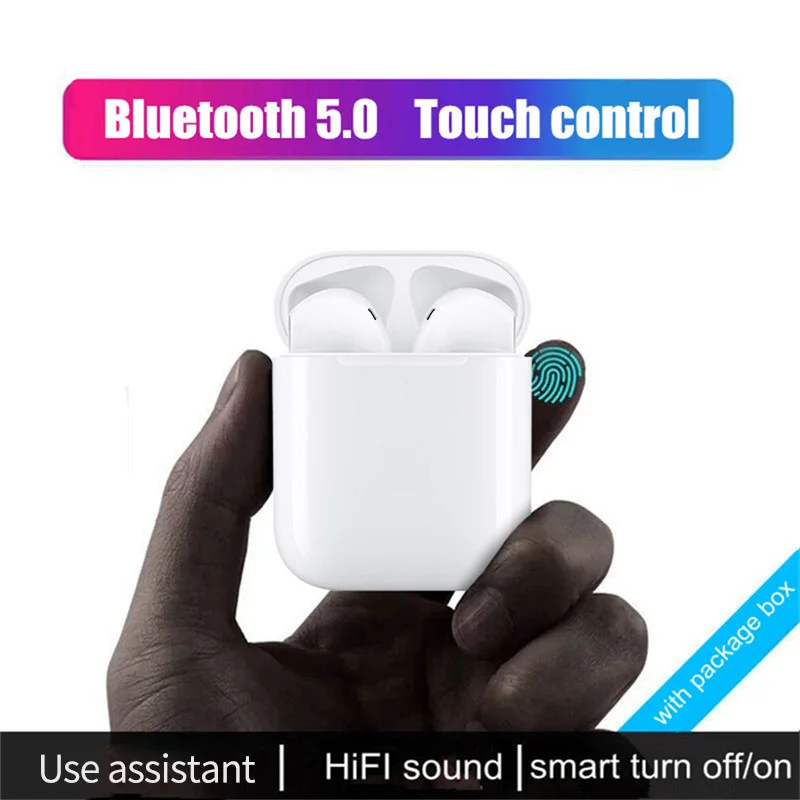
Headphone ues steps and spacial instrucions
1.Turn on the charging box switch (blue or red light is on )
2.Open the top cover of the charging box and take outthe earphones.(lmportant note :Turn on the charging box switch before opening the charging the charging box ,which is the premise of the headset automatically turning on)
3.Pair with other devices: Open the phone or other device Bluetooth settings ,search for the Bluetooth name “i11“,click to connect to Bluetooth
4.The headset is placed in the charging box to enter the charging mode,and the headset is automatically turned off.
5. i11 TWS wireless headphones can be connectod separately and separately to other
Bluetooth devices.
6.i11 Tws wireless headset will automatically shut down if it is not connected to the
Bluetooth device for 5 minutes.
Headphone touch function description
1. The left ear and the right ear touch the position, touch 1 to answer the call,the left earphone touches 2 times and the volume decreases, the right earphone touches 2 times, the left ear presses 3 next, and the right clicks 3 times.Last song, long press 3 seconds siri function, long press 5 seconds to switch on an off,two headphones simultaneously report when calling.
2.After turning off the phone, the headset will automatically connect back to the phone
3.The whole machine has voice prompts
4.The earphones have sounds for the left and right ears of the two-channel conversation:
5.Headphone music playback time is about 2-3 hours, talk time is about 4 hours, and standby time is about 6 hours;
6. The charging battery capacity is 300AH, and the headphone battery capacity is 35mAh;
7.Charging time is 70 minutes;
8. Charging box charging voltage 5V;
9. The charging box takes 1 hour, the charging box has a capacity of 300 mAh, and the charging red light flashes constantly;
10.The charging box can charge the earphone for about 4 times;
11.When the earphone is charaina, the red light is always on, and the full light is off;
12.When the charging box is charging the earphone, the blue light is always on.


Смотрите так же другие товары:


